What is the new Calendar?
The new Calendar shows event, tasks, jobs and sales opps in the same screen
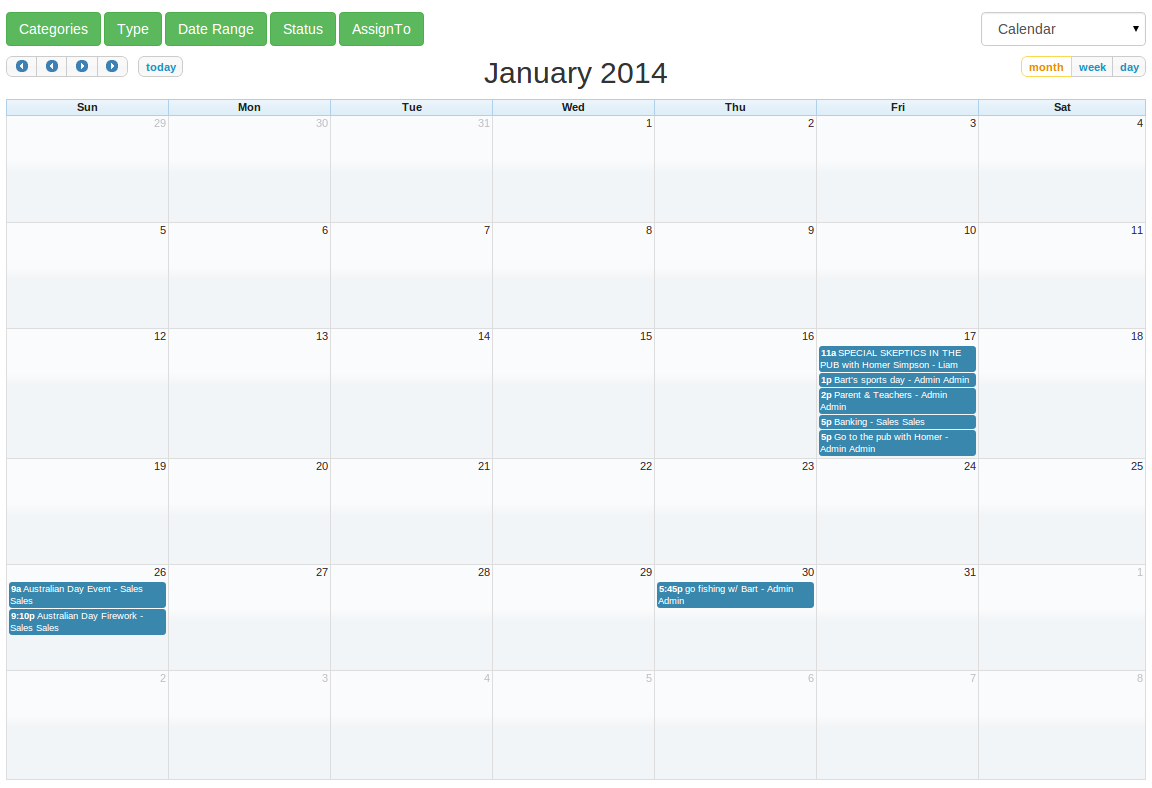

The new Calendar is a full-sized, drag & drop calendar. It uses AJAX to fetch events on-the-fly for each month/week/day.
Select from the filters to change the date range and items displayed according to type, category, status and assign to. Items are tasks, events, sales opportunities or jobs which have been entered and scheduled to a day and time. You'll see items in the calendar. Click on the item to see the details of the item. You can switch between the calendar and timeline view any time.
We've listed some handy Calendar Tips at the end of this post so read to the end!
Let's go through all the features:
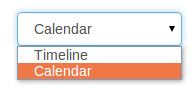
Calendar and Timeline can be switched easily
Drag & drop or resize!
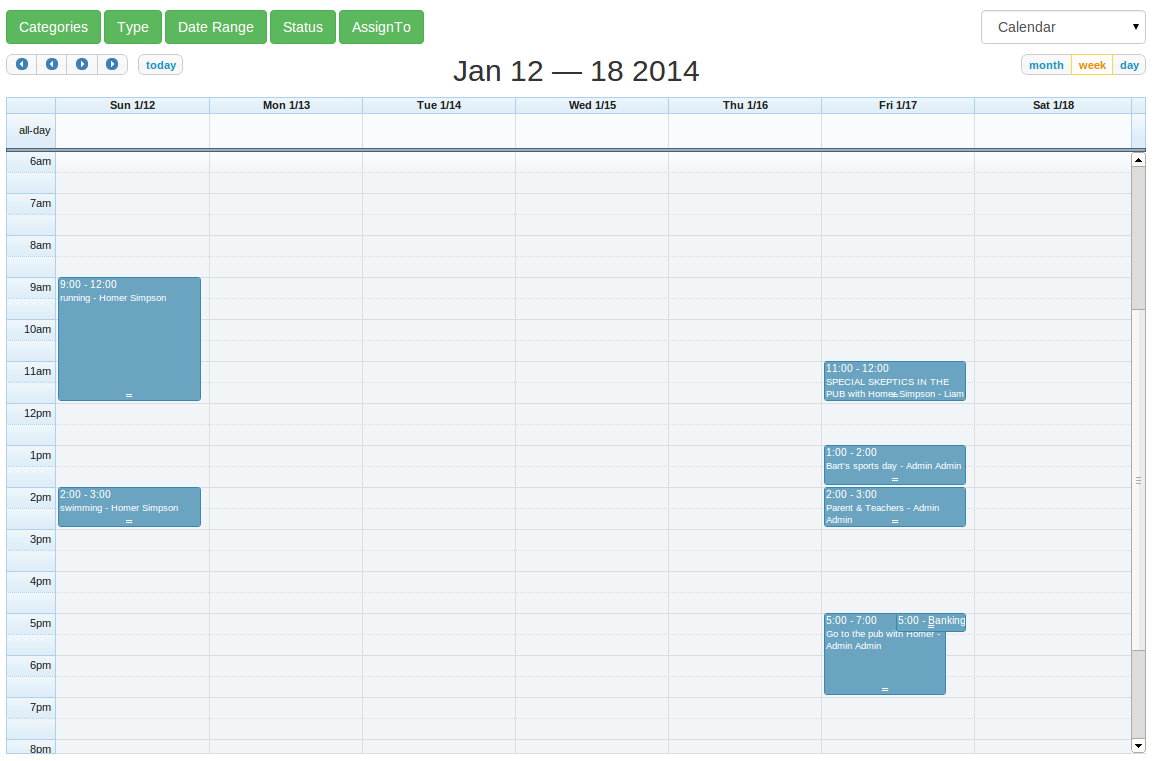
You can drag & drop an item to change its start time, or drag to resize and change it's duration when you're in the week/day view.
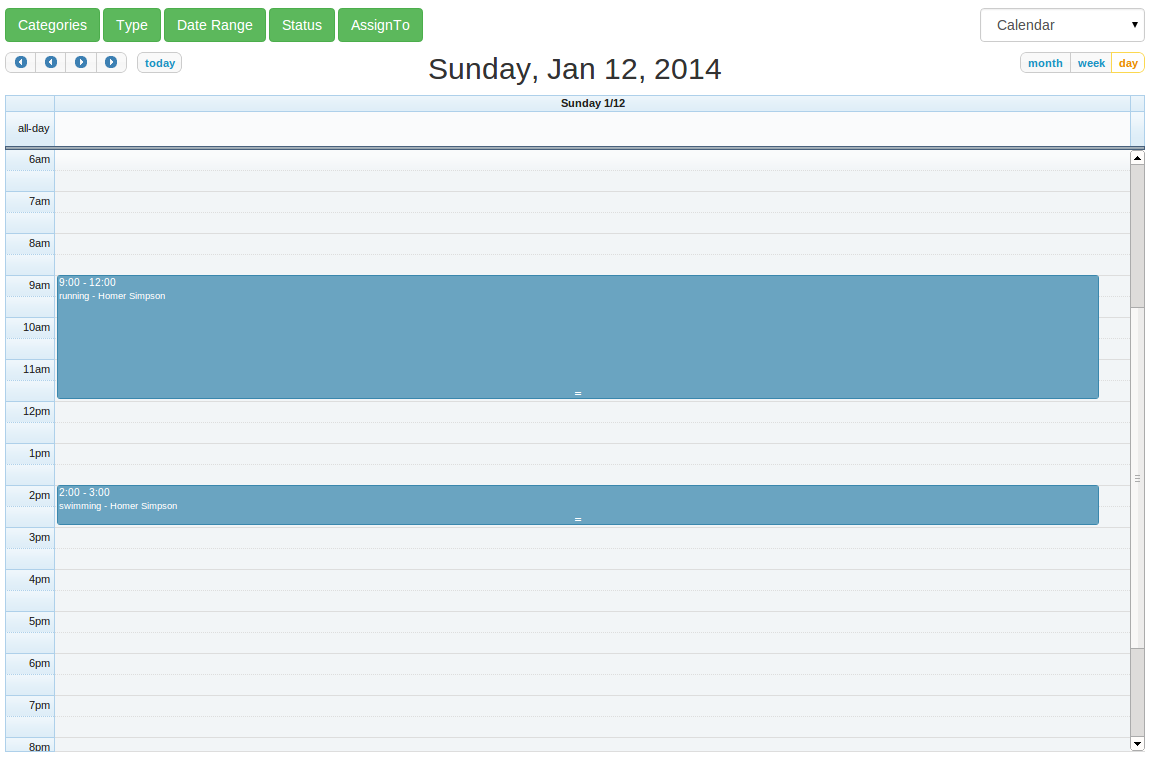
There are 3 views: month, week and day.
Month View;
Week View;
Day View;
You can quickly jump to previews or next year/month using the arrows and click on the Today button to jump back to today.

Calendar has 5 filters;
- Categories
- Type
- Date Range
- Status
- Assign To
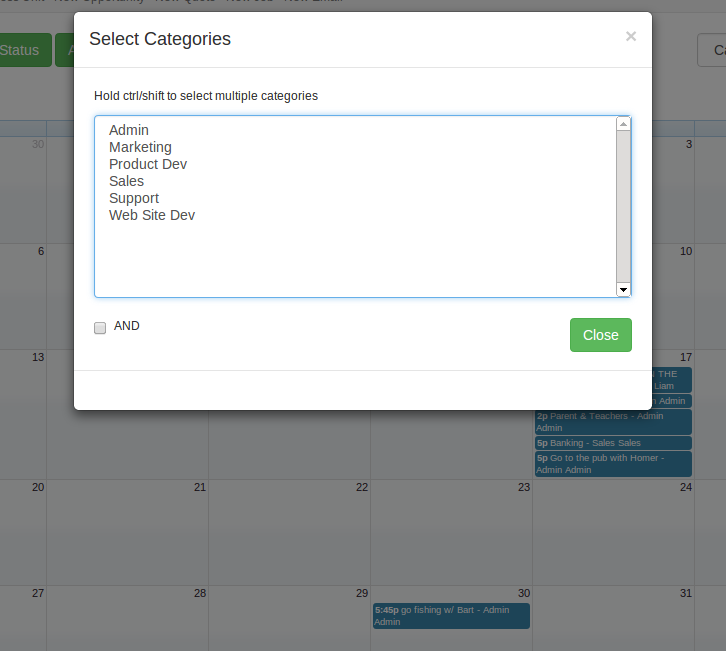
Categories Filter;
Select multiple Categories to filter your events, tasks, sales opps or jobs.
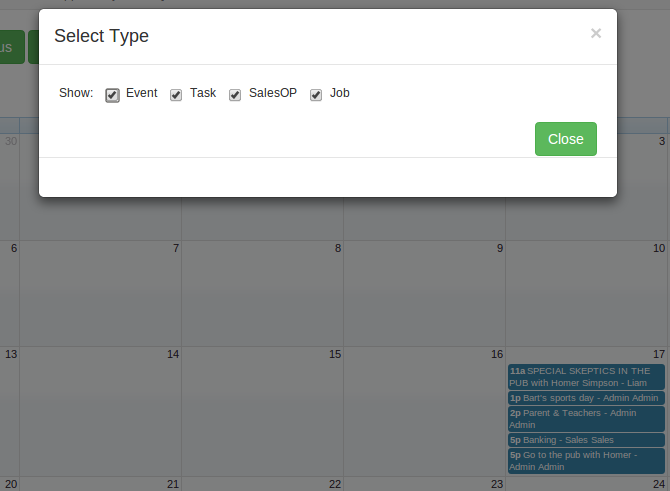
Type Filter;
Select multiple Types to show events, tasks, sales opps or jobs.
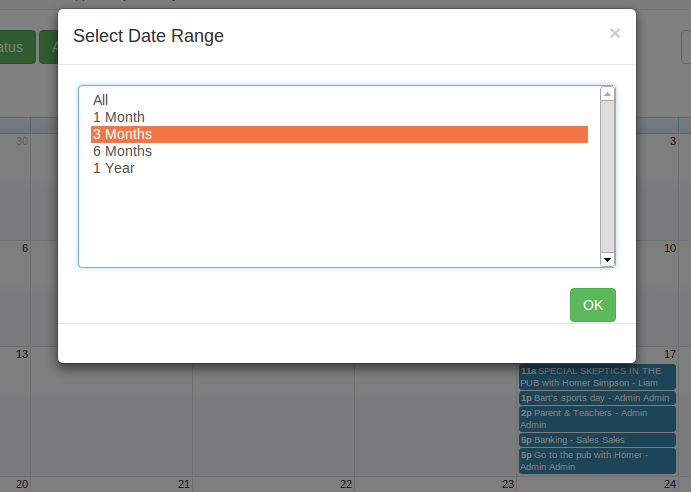
Date Range;
Select one of the Date Ranges to display that range of dates in the Calendar.
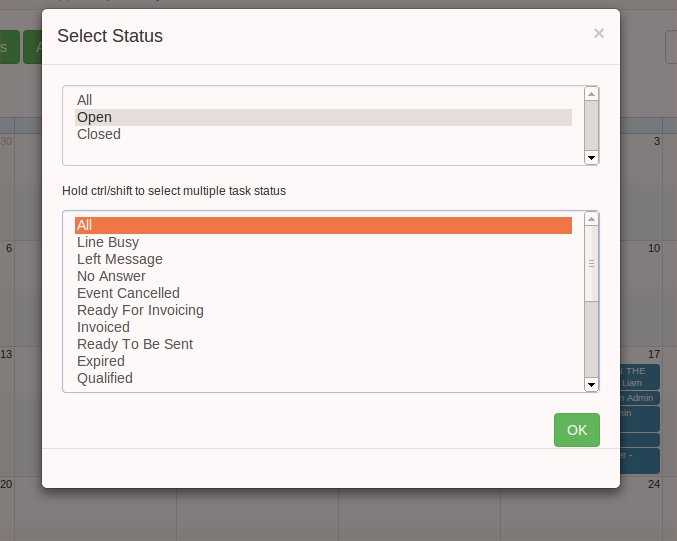
Status Filter;
Select to show All, Open or Closed items. Or select one or more task status to show
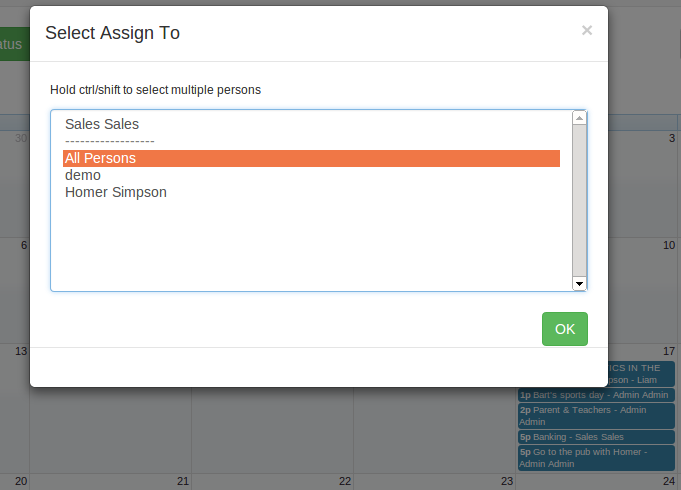
Assign To Filter;
Select to show items assigned to one or more persons.
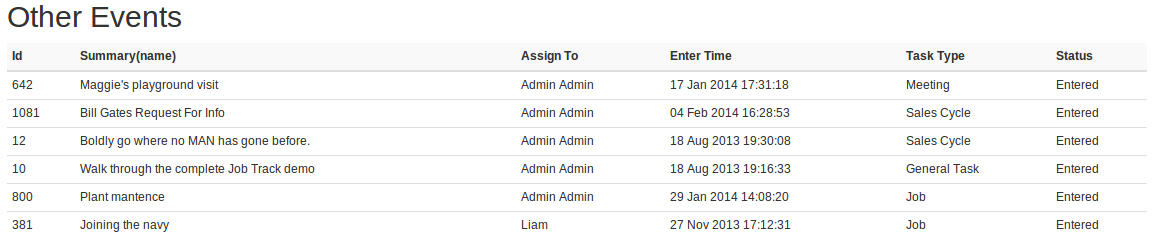
Some events, tasks, jobs or sales opps doesn't have a start time, these items are shown below the calendar.
Calendar Tips! Try these out;
- Click a day to create an event on this day
- Click at particular time in week/day view to create an event at that time
- Drag & Drop an item to change the start date, you even can choose the time in week/day view
- Drag the bottom line of an item in week/day view to resize the item
- You can always press "ESC" key to close a filter pop up
Take a free trial and try out the new Calendar, experiment with showing only a small number of filters and then add filters. Enjoy this new module and send us your feedback